Workflows for editors who own their sounds
Tips, workflows and MySoundLib updates for video editors who keep their own sound library.
-
The story behind MySoundLib
How a designer turned video editor and production lead built MySoundLib, a sound library manager you buy once, with no subscription.
Read post -
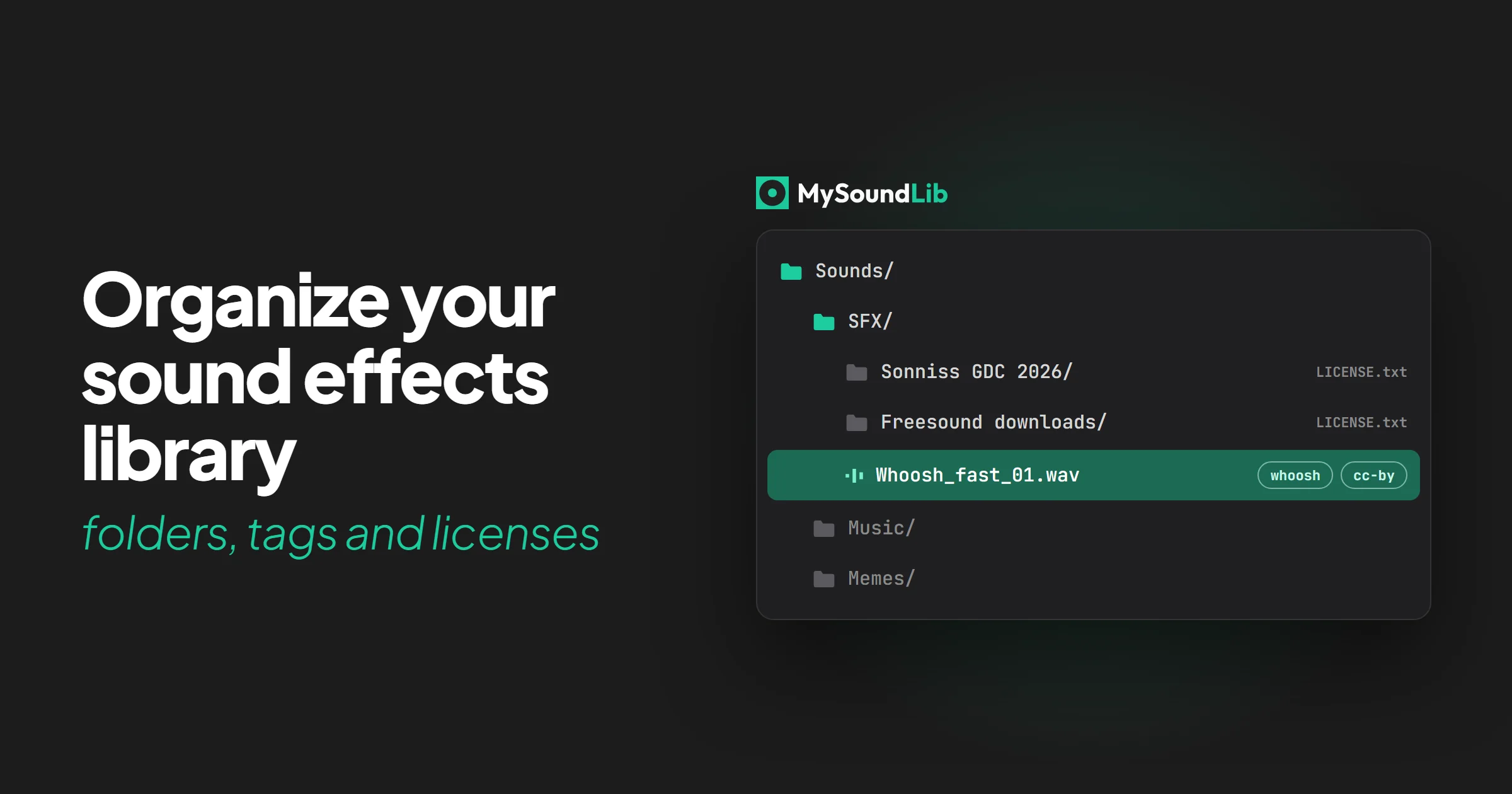
How to organize a sound effects library: folders, names, tags and licenses
A practical setup for organizing a sound effects library as a video editor: one root folder, a folder per source, licenses kept with the files, UCS naming when it helps, tags and backups.
Read post -
Can you use meme sounds in YouTube videos? Copyright and Content ID explained
Meme sounds often come from songs, films and other creators. What YouTube says about Content ID and fair use, why credit doesn't make it fair use, and safer ways to get the same effect.
Read post -
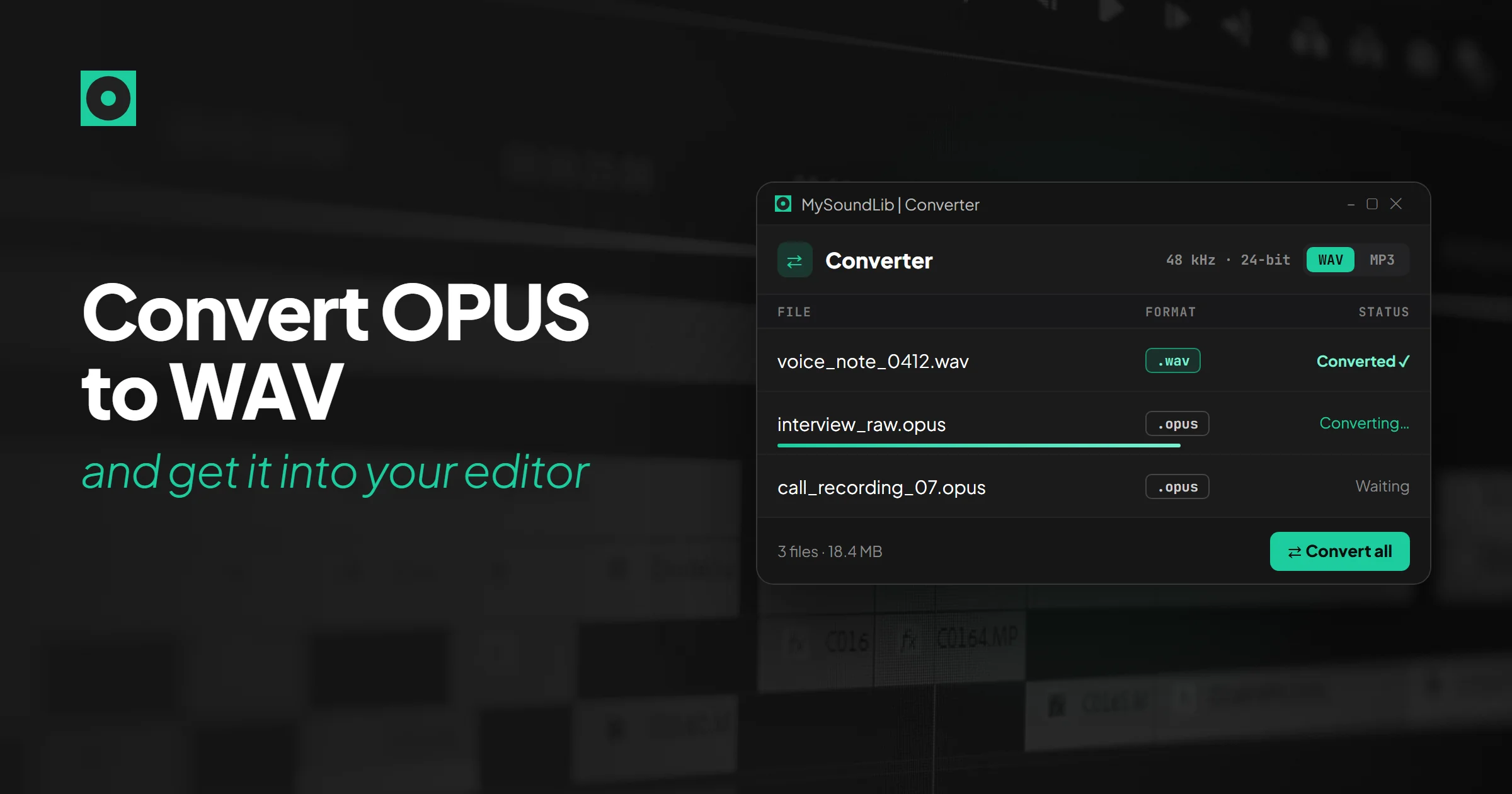
How to convert OPUS to WAV for video editing
Your editor won't take an .opus file? Here's what Opus is and three ways to convert it to WAV: MySoundLib, the free Audacity editor or one FFmpeg command, including batch conversion.
Read post -
Local sound library vs. audio subscriptions: why I stopped paying monthly
Why I keep my own sound library instead of paying for audio subscriptions, what subscriptions still do well, and how to keep a local library organized if you use both.
Read post -
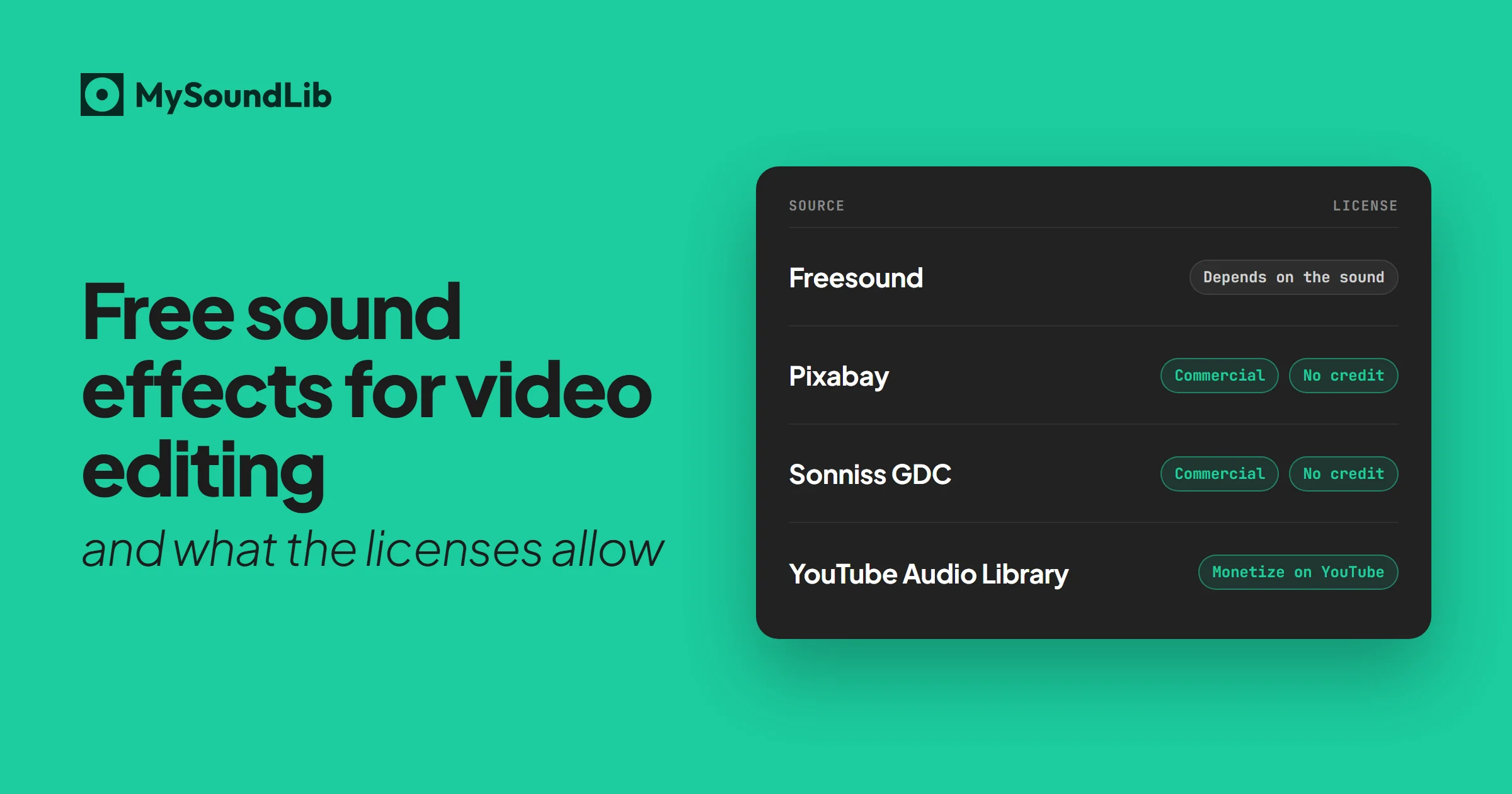
Free sound effects for video editing: where to find them and what the licenses allow
Four free sources of sound effects for video editors (Freesound, Pixabay, Sonniss and YouTube Audio Library) and what each license says about commercial use and credit.
Read post -
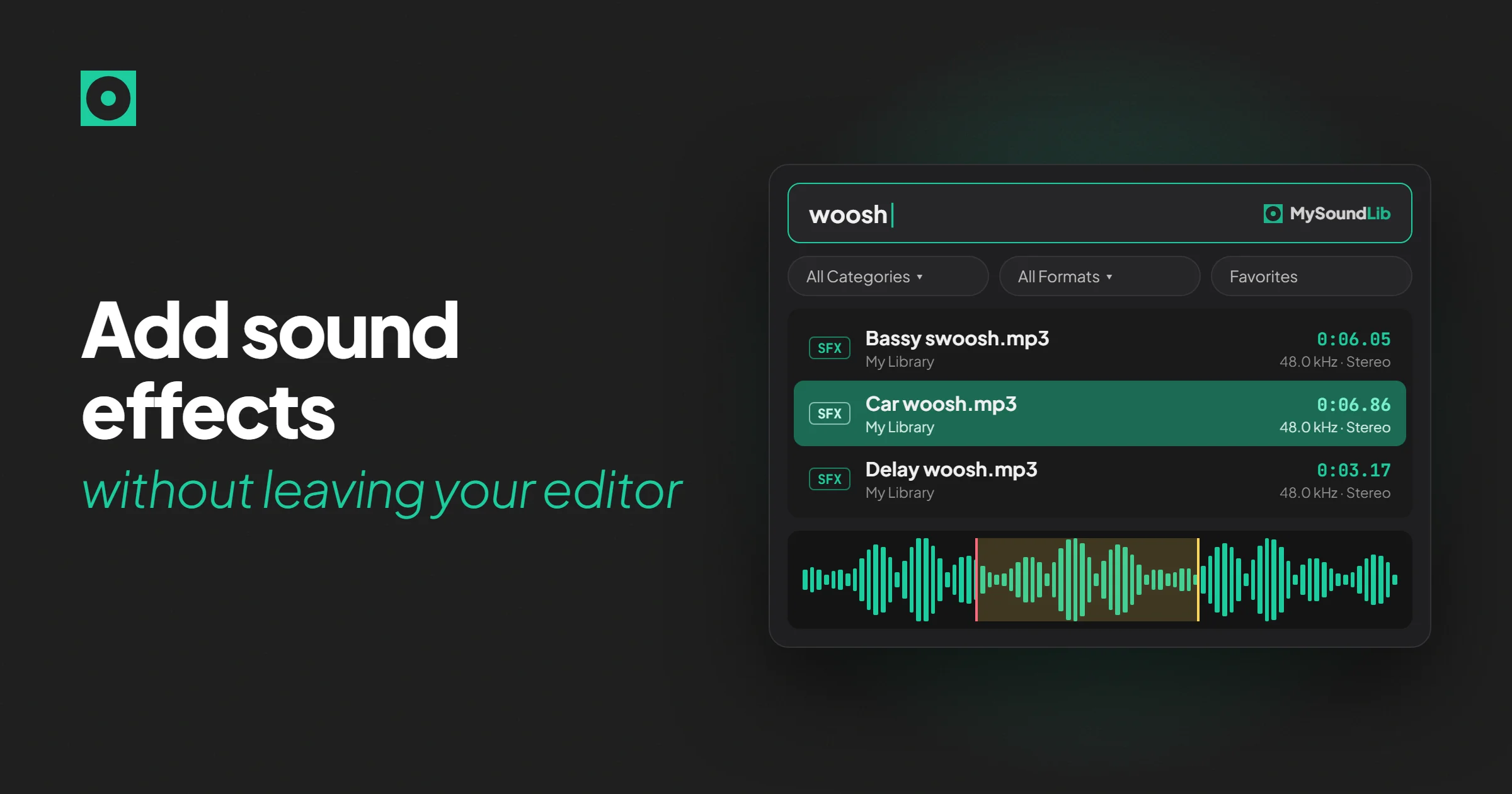
How to add sound effects without leaving your video editor
Compare how DaVinci Resolve, Final Cut Pro, CapCut and REAPER import a sound effect, then do it in four steps with one shortcut: search, preview, trim, drag.
Read post